Q1.
Insert any picture from your computer in a word document.
- Change size to 2 x 3.25.
Edit picture style as shown below.
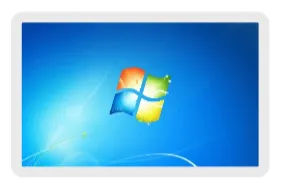
Q2.
Insert shape in the document.
- Change color to red.
Apply border of 6pt.

Q3.
Insert picture as shown below.
- Align it to center.
- Apply shadow effect to the picture.
Apply bevel effect to picture.