Q1.
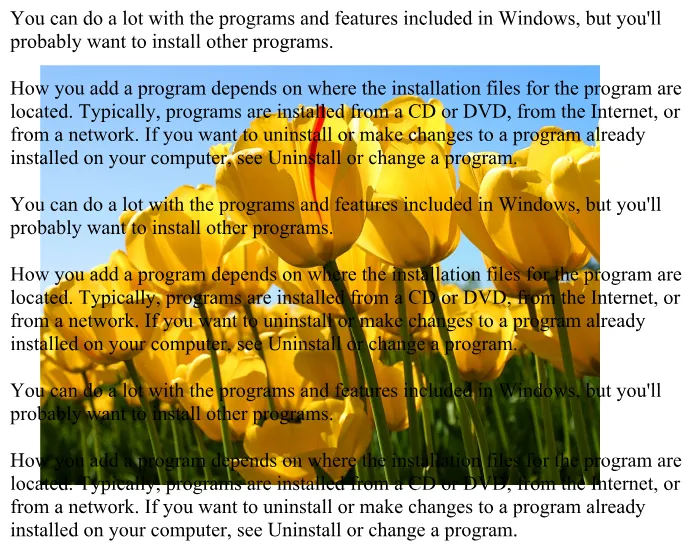
Insert picture from file and remove the background from file.
- Change size of image to 3.4 x 4.5.
Align it to center.

Q2.
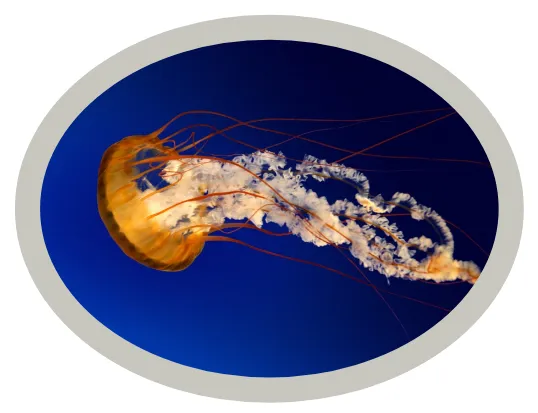
Insert picture and apply picture style like this.
Q3.
Place the given picture in a heart shape.

Q4.
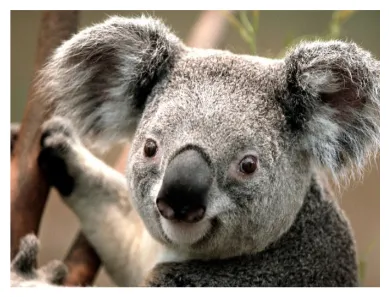
Insert picture, then apply glow and reflection effects to picture.
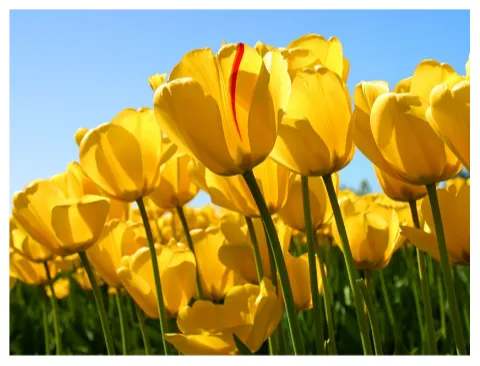
Insert this picture behind the given text with soft edge at 25 point.
Text:
You can do a lot with the programs and features included in Windows, but you’ll probably want to install other programs. How you add a program depends on where the installation files for the program are located. Typically, programs are installed from a CD or DVD, from the Internet, or from a network. If you want to uninstall or make changes to a program already installed on your computer, see Uninstall or change a program. You can do a lot with the programs and features included in Windows, but you’ll probably want to install other programs. How you add a program depends on where the installation files for the program are located. Typically, programs are installed from a CD or DVD, from the Internet, or from a network. If you want to uninstall or make changes to a program already installed on your computer, see Uninstall or change a program. You can do a lot with the programs and features included in Windows, but you’ll probably want to install other programs. How you add a program depends on where the installation files for the program are located. Typically, programs are installed from a CD or DVD, from the Internet, or from a network. If you want to uninstall or make changes to a program already installed on your computer, see Uninstall or change a program.