Q1.
Create a simple webpage using HTML & (if required) CSS.
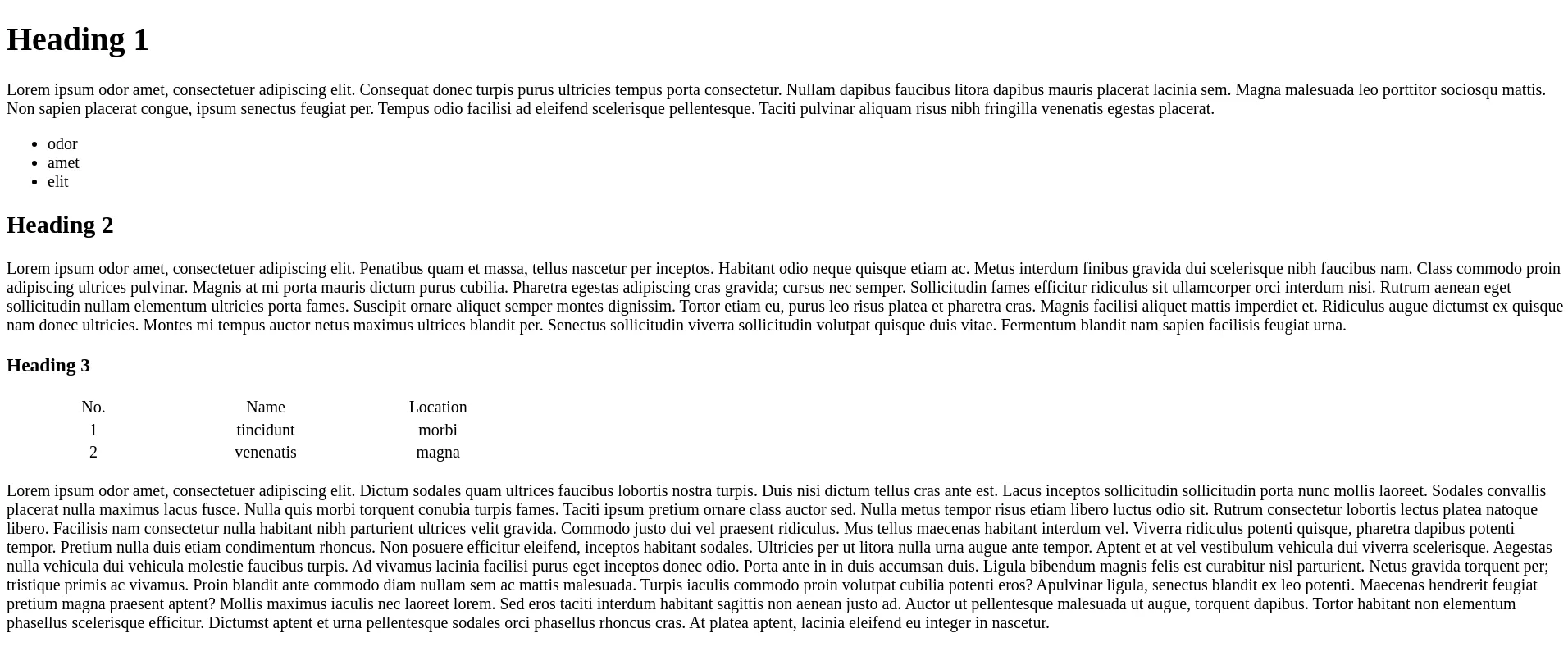
Now on pressing the Escape key, a header menu bar should pop-up (toggle).
Expected Output:
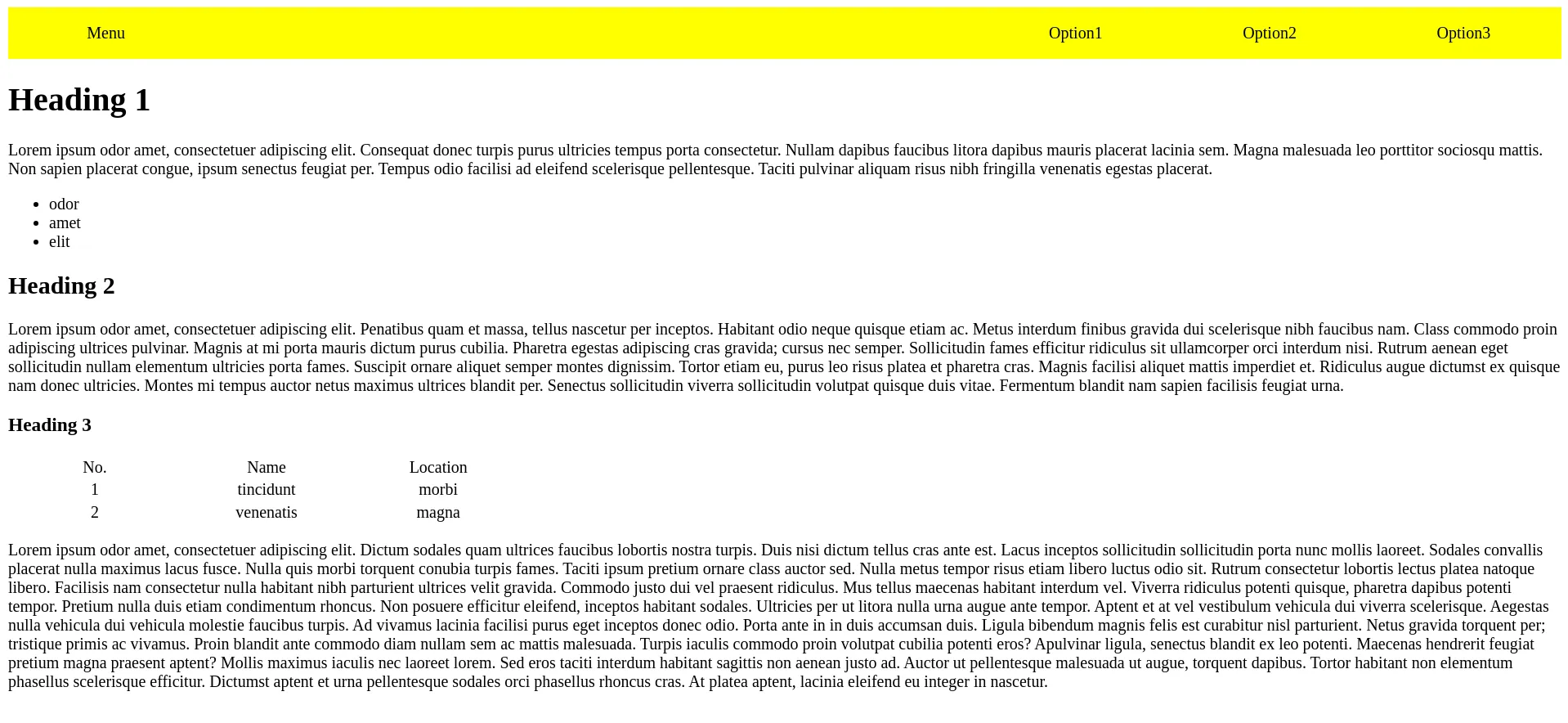
On pressing Escape key again, the header menu bar should get hidden.
So in short, the header menu bar should toggle (become visible & hidden) on pressing Escape key only.
Q2.
Create a student entry form.
Create a simple HTML with a h1 for the app heading, a form with input to add a student name and submit button to add a student entry.
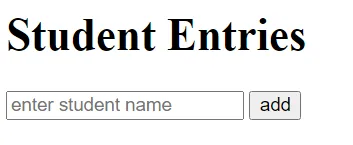
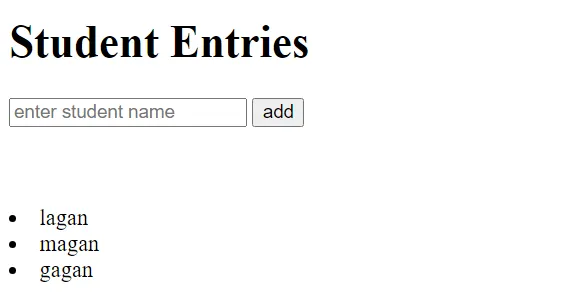
Now on clicking the add button after entering name in the input field, the student name should be added to the page in the form of a list item.
Expected Output:
Advance Tasks:
If you are done with the above tasks then do the following ones.
- Names should be added as
ordered listitems instead of defaultunordered listitems. - Empty spaces from the start and end of the input entry should be removed before adding it on the webpage.
- If the
addhas been clicked with emptyinput fieldthen nothing should happen. (Currently if you click add button with an empty input field then an empty list item gets added.)
Q3.
Create a student course enrollment form.
Create a simple HTML with a h1 for the app heading, a form with input to add a student name, input to add student age, input checkbox to select skills and submit button to add a student entry.
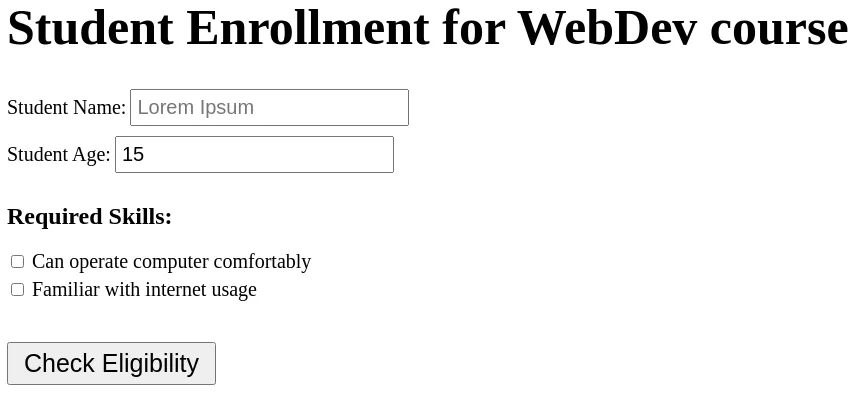
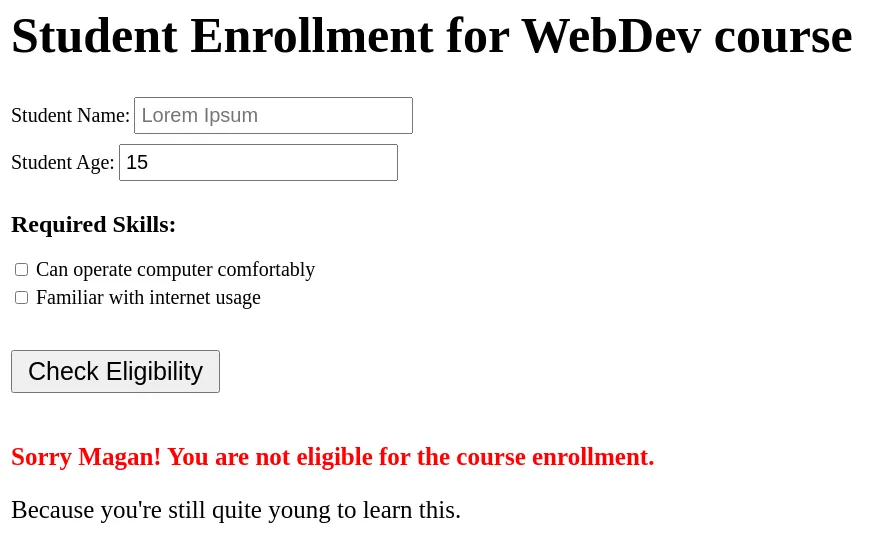
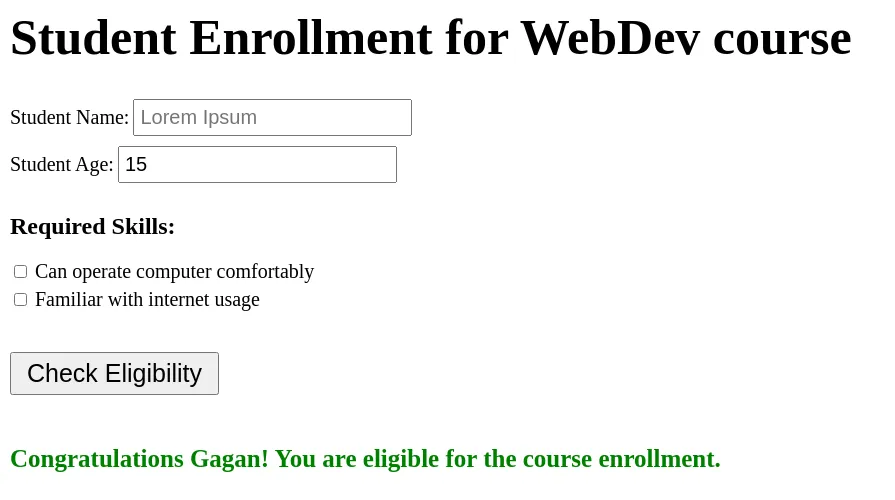
Now on clicking the Check Eligibility button, the form should get reset and at the bottom of the form, a message should be shown to notify the student whether he/she is eligible to enroll & if not eligible then provide a reason as well.
Expected Output:
Ineligible
Eligible
Guidelines:
If a form gets submitted with empty name input field or absurd value of age (negative or some very high value i.e. more than 120) then give an alert warning with a reason mentioned in it.
Student is eligible for the course if he/she is older than 15 years, can operate computer and familiar with internet.
Add the following reasoning message after the “Sorry
StudentName! You are not eligible for the course enrollment.” message -- If not older than 15 years : “Because you’re still quite young to learn this.”
- If can’t operate computer : “Because you can’t operate a Computer, which is mandatory for this course.”
- If not familiar with internet : “Because you aren’t quite familiar with the Internet, which is mandatory for this course.”