For all the graphics functionality, you can use tkinter package.
You can get the make_canvas() utility function, which makes drawing the canvas for painting raw graphics simpler.
Q1.
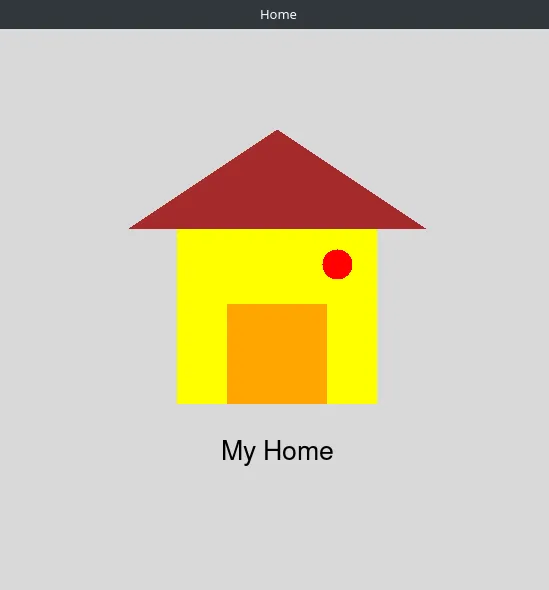
Write a program that draws a simple house scene using rectangles, a polygon for the roof, an oval for a window/decoration and a text label under the house.
Expected Output
Q2.
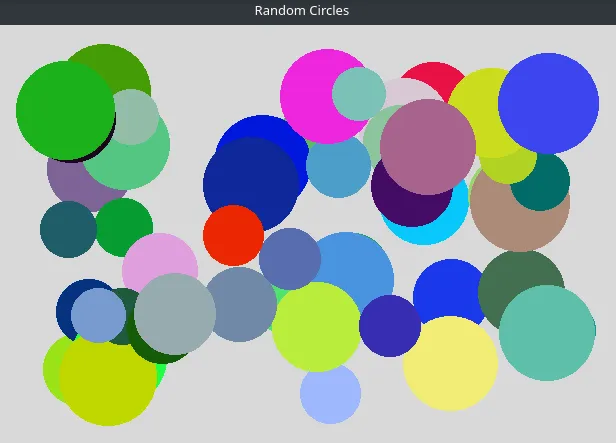
Imagine you’re building a tiny generative-art toy program. Your task is to make a program that fills a window with colorful random circles so it looks like confetti on a canvas.
Instructions
- Write a program that draws
Nrandom circles on a canvas. - Each circle must have -
- a random diameter within a fixed range (e.g. 50 to 100 px)
- a random position so it fits fully inside the canvas
- a random generated color
- Keep the key parameters - canvas size, number of circles, diameter range etc. defined in one place so it’s easy to change thm later.
Expected Output
Q3.
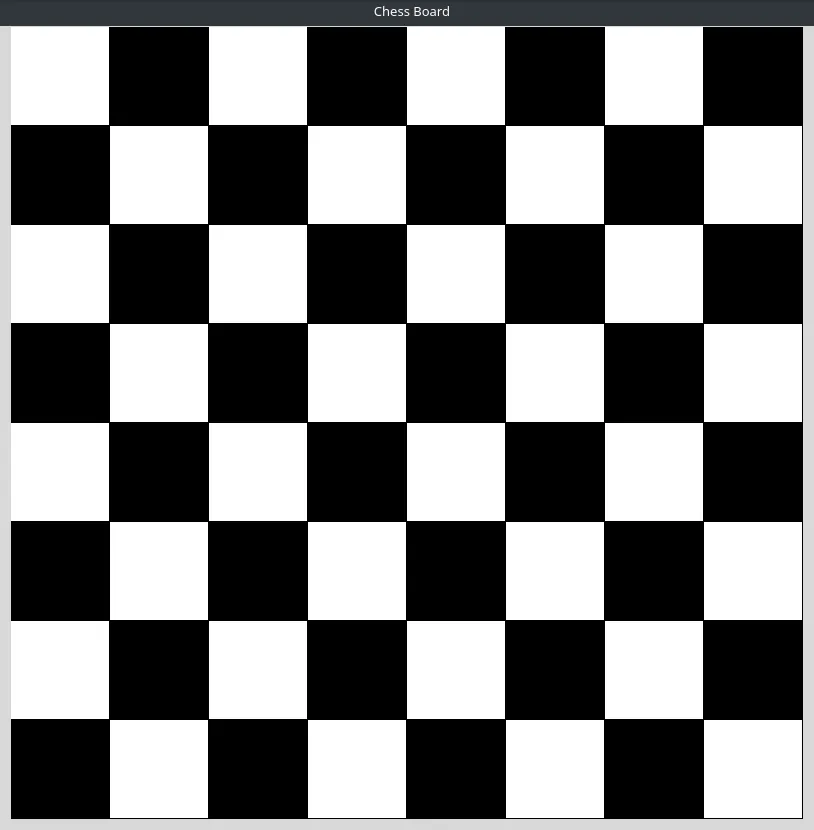
Imagine you’re building a simple chess game and your first job right now is to just draw the game board. So, create a canvas (for e.g. 800x800) and draw a 8x8 grid that fits the canvas.
Instructions
- Keep the key parameters - canvas size, number of rows and columns etc. defined in one place so it’s easy to change thm later (for e.g., to make a larger checkers board).
Expected Output
Q4.

Build a simple interactive ‘Follow the mouse’ program, where a small image smoothly glides from its current position to the position where the user clicks.
Expected Output
Q5.

Build a simple side-view car controller where the player can steer a car left and right using the keyboard keys.
Instructions
- The car can be made from simple canvas shapes (body, roof, wheels, spoke lines) but feel free to use your creativity.
- On pressing the keyboard keys, the car should move ahead in the respective direction and the wheels should visually rotate (spokes turn).
Expected Output